Wellness at home

Longevity Protocol

Your heart, your breathing and your nervous system, trained together at home with the BrainMap app.

The protocol brings together three practices you do on your own, at your own pace: heart-brain coherence with the Polar H10 strap, vagus nerve stimulation with Nurosym and guided breathing from NeuroMindfulness 3.0, over the BrainTune tracks. The app guides you through coherence and breathing and keeps your whole history, while Nurosym is worn alongside, following the institute's guidance.

  • At home, at your pace
  • Guided by the app
  • About 45 minutes a day
  • Progress you can see, day by day

You need a BrainMap account to download.

What the Longevity Protocol is

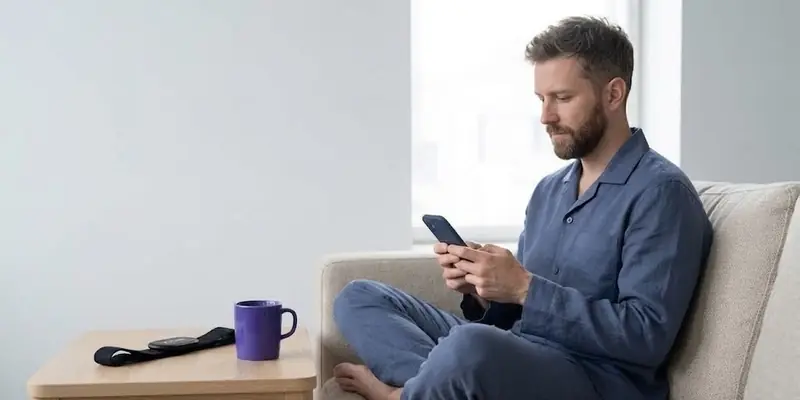
The Longevity Protocol is how the institute helps you look after your nervous system every day, from home. It needs no trips to a clinic and no complicated equipment. You need your phone, the BrainMap app and two small devices you learn to use on your own.

The three practices work along the same path. Slow, paced breathing brings heart and brain into coherence, vagus nerve stimulation helps the body shift more easily into rest, and the BrainTune music gives you a calm setting to repeat them in. Practising at set times, week after week, is what makes the difference, which is exactly why everything happens at home.

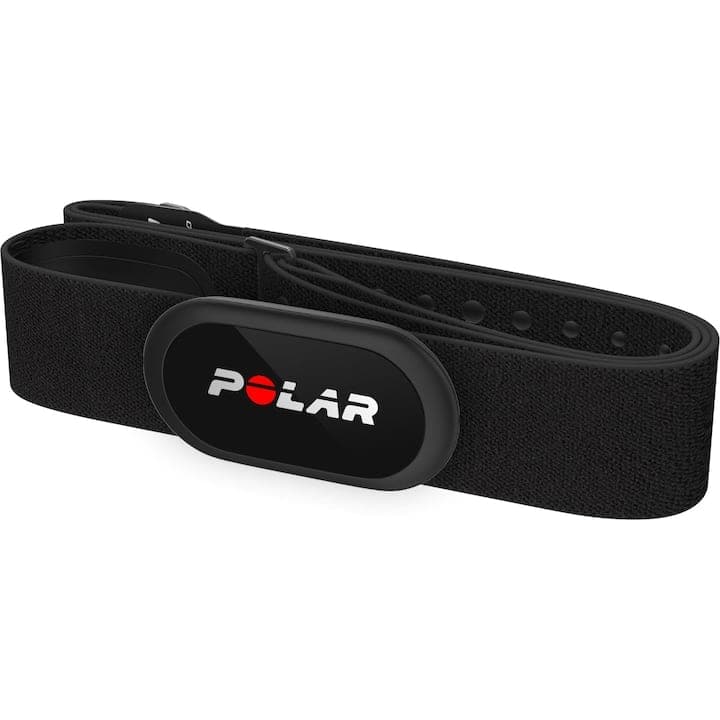
The Polar H10 strap shows you in numbers what is happening. You see your coherence score while you breathe and compare one week with the next, so you are not left with just a feeling that you are doing better.

The three practices of the protocol

Each has its place in your day and supports the other two. You can start them one at a time, with whatever you already have.

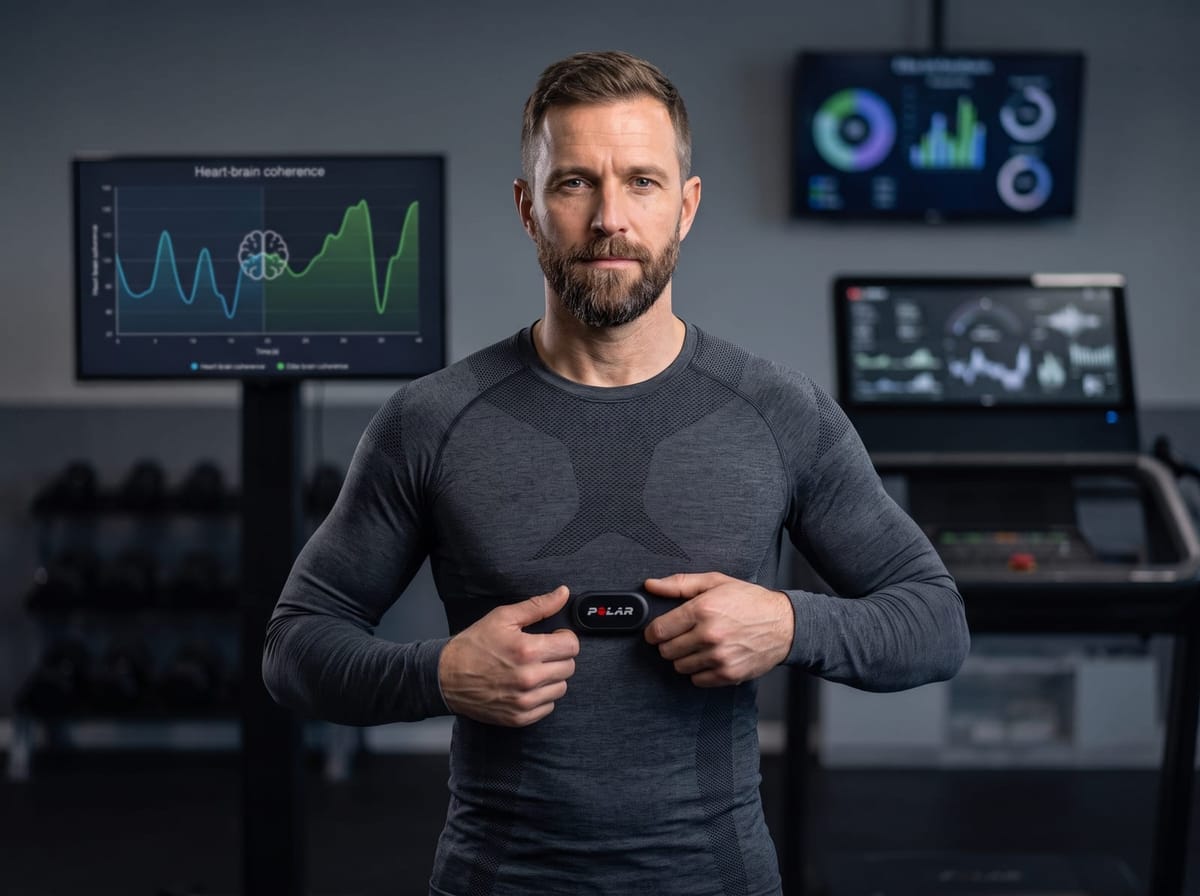
A man adjusting the Polar H10 strap on his chest

Heart-brain coherence with the Polar H10 strap

You put the strap on your chest, pair it in the app over Bluetooth and follow the breathing circle on the screen. The app works out your coherence score and shows it every 5 seconds, so you can clearly see when your heart and breathing move together.

What you do in the app
  • The signal check takes 30 seconds, with your heart trace drawn on screen, so you know the strap is sitting right
  • Calibration happens once, at your first session, with 5 breathing rhythms of 2 minutes each, to find the rhythm your heart resonates with
  • You choose a 5, 10, 15 or 20 minute training at your own rhythm, with a score from 0 to 16 and low, medium and high zones
  • After each session you get a summary, and your history shows the average score and how much time you spent in the high zone
  • The report comes out as a one-page PDF, and the full data as files you can send to your therapist
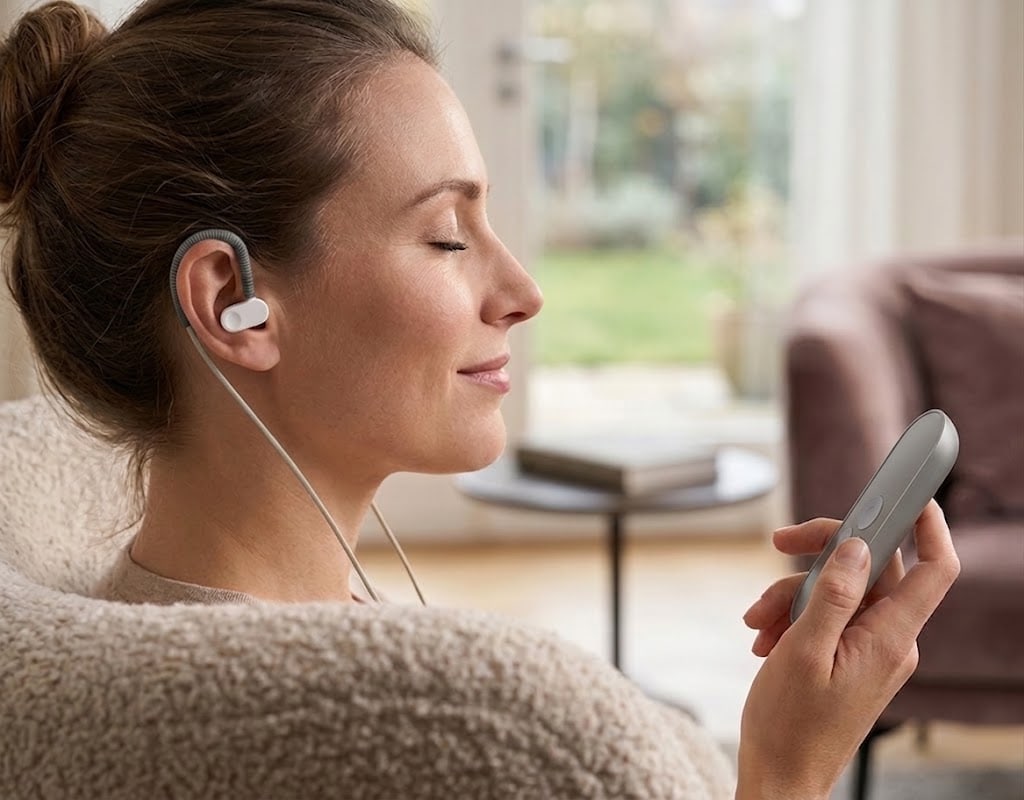
A woman at home with her eyes closed and the Nurosym clip on her earNo phone needed

Vagus nerve stimulation with Nurosym

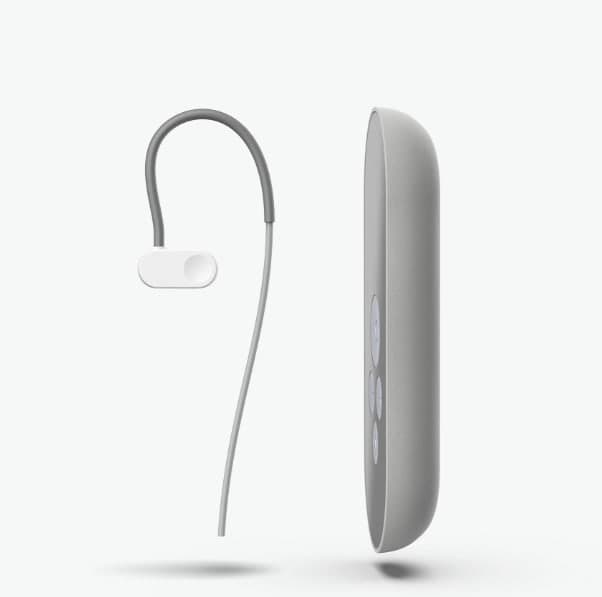
Nurosym is a small clip you attach to your ear, on the tragus. It sends gentle pulses along a branch of the vagus nerve, which you feel as a pleasant tingle, and helps the body settle into rest. You wear it 30-60 minutes a day while you read, work or watch something.

Nurosym works without a phone, so it is not switched on or adjusted from the app. You set the intensity, duration and time of day with one of the institute's therapists at your first guided vagus stimulation session, and then you carry on by yourself. If you wear the Polar strap at the same time, the effect shows up on the heart rate chart in the app.

  • The clip sits on the tragus, with the cable behind your ear, like an earphone
  • You raise the intensity slowly, up to a light tingle, never to the point of pain
  • You wear it 30-60 minutes a day, in the morning or evening
  • It carries CE marking as a medical device and is ordered directly from the manufacturer

If you have a pacemaker or another implanted device, ask your doctor first.

Someone sitting at the end of a jetty, facing a mountain lake

NeuroMindfulness 3.0, breathing over the BrainTune tracks

You choose one of the 27 breathing techniques, put on your headphones and follow the rhythm dot on the screen for 15 minutes. Then the screen dims and you stay with the BrainTune track until it ends. This part needs no device at all.

What you do in the app
  • 27 techniques, 16 in the Wellness line and 11 in the Clinic line, each with its own track
  • The binaural version is for headphones, and the isochronic one also works on speakers
  • You note how you feel before and after, on a scale from 0 to 10
  • The calendar of completed days and the progress chart show your first 30 days
  • Reminders arrive at the time you choose and stay quiet on days you have already done your session
  • For difficult moments there are shortcuts without music, such as Panic SOS or Reset mode, which you can open at any time

What a protocol day looks like

  1. In the morning

    You put on the Polar strap and do 10-15 minutes of coherence at your own breathing rhythm. The day starts calmly, and the score shows you where you are starting from.

  2. During the day

    You clip Nurosym to your ear for 30-60 minutes while you work or read, at the time agreed with your therapist.

  3. In the evening

    You do the day's NeuroMindfulness 3.0 session, with the technique that fits how you feel, about half an hour including the music.

  4. Whenever you need it

    When the day gets heavy, you open a 2 minute shortcut in the app, with no music and no setup.

What a week looks like

The rhythm is kept daily, because the nervous system settles through repetition rather than a single session. At the end of the week you look at the calendar and your coherence history in the app to see how it went, and after the first 30 days you have a clear picture of how you respond and can decide how to continue.

The day above is an example. The order and durations that suit you are set with a specialist at the guidance session.

What you need at home

  • A phone with Android 8 or later, with the BrainMap app installed
  • A BrainMap account, the same one you use on the website
  • The Polar H10 strap, for coherence sessions
  • A charged Nurosym device, for vagus nerve stimulation
  • A pair of headphones, for the binaural version of the tracks
  • A NeuroMindfulness 3.0 subscription and a pack of coherence trainings, both of which you can buy right in the app
  • A quiet spot and about 45 minutes a day just for yourself

If you already own one of the devices, start with it. At the guidance session a specialist tells you what is worth adding and in what order, before you buy anything.

A woman at home with headphones on and her phone in her hand

What you see in the app

The app keeps track for you, so all you do is the exercise and then look at what has changed.

  • Your coherence score, live

    A number from 0 to 16, updated every 5 seconds, in the colour of the zone you are in.

  • Your session history

    Every coherence training, with its length, average score and time spent in the high zone.

  • The NeuroMindfulness calendar

    Completed days ticked off, and a chart of how you felt before and after each session.

  • Reminders

    The reminder for the day's session arrives at the time you pick, and if you miss 2 days in a row the app gently calls you back once.

  • Reports to share

    The coherence report comes out as a one-page PDF, and the full data as files for your therapist.

  • Your platform account

    Your sessions sync to your account on their own, so you can also see them on the website from any computer. If you prefer not to, you switch syncing off with one tap.

  • Your subscriptions

    See how many trainings you have left and until when your subscription is active. A training is only counted if you finish it, and calibration costs nothing.

Who it suits

  • People going through a long stretch of stress who want a daily habit that helps them settle
  • People who want an evening routine that helps them unwind before sleep
  • People who want to look after their energy and balance early on, as part of how they live
  • Athletes and very busy people who need recovery and have no time for trips to a clinic
  • People who started with NeuroMindfulness 3.0 and want to add measurements and a device
A woman breathing calmly on a mat at home, in a bright room

Frequently asked questions

Do I need to come to a clinic?

The protocol is done entirely at home. Your meetings with a specialist happen online, in the app's video room, and there are two of them: the guidance session, if you want to know where to start, and the guided vagus stimulation session, where your Nurosym intensity is set.

Can I start without any devices?

You can start with NeuroMindfulness 3.0, which only needs your phone and a pair of headphones. You pair the Polar strap in the app as soon as you have it, and you add Nurosym after your first guided session.

Does Nurosym connect to the app?

Nurosym works without a phone, so it has no screen in the app. You switch it on and adjust it on the device itself, following the guidance from your session. You can follow the effect in the app if you wear the Polar strap at the same time.

How much time does it take each day?

The time set aside just for the protocol is about 45 minutes, meaning 10-15 minutes of coherence and a NeuroMindfulness session of around half an hour. You wear Nurosym for 30-60 minutes while you read or work, so it takes no extra time.

How much does the protocol cost?

The Longevity Protocol has no single price. You pay separately for what you use, meaning the NeuroMindfulness 3.0 subscription, the coherence trainings and the devices, and you never pay twice for what you already have from us. At the guidance session you find out what suits you before you buy.

Does it work on iPhone?

The app currently runs on phones with Android 8 or later. The iPhone version is in progress, and until it arrives the protocol is followed on an Android phone.

Start the protocol from home

Download the BrainMap app, sign in with your account and start with the practice you already have at hand. If you are not sure where to begin, one of the institute's specialists will help you choose the right order in a 50 minute online guidance session.

You need a BrainMap account to download. The app runs on Android 8 or later, and the guidance session costs 300 lei.

Longevity Protocol, at home in the BrainMap app · Institutul BrainMap